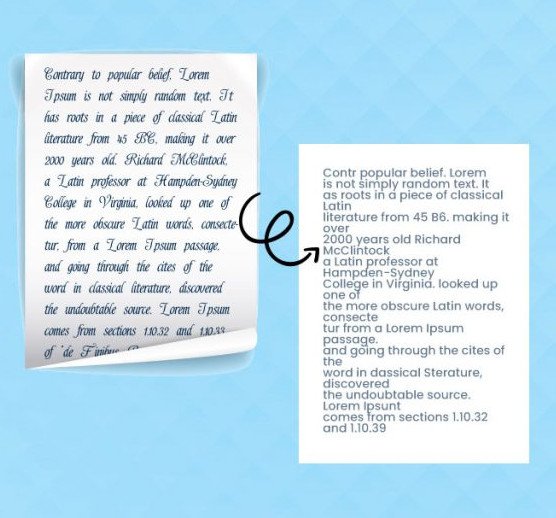
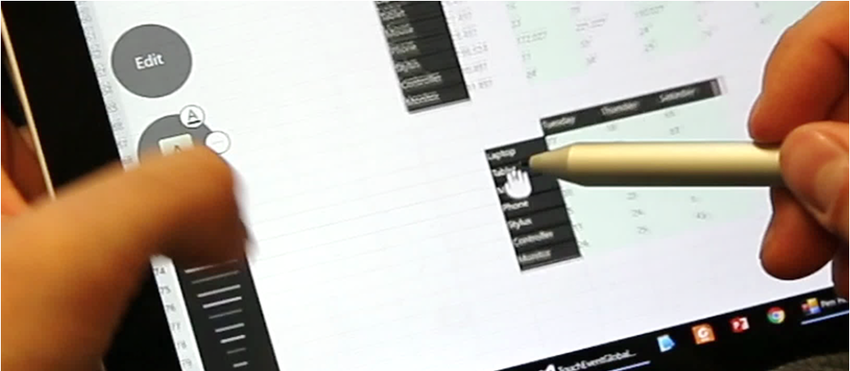
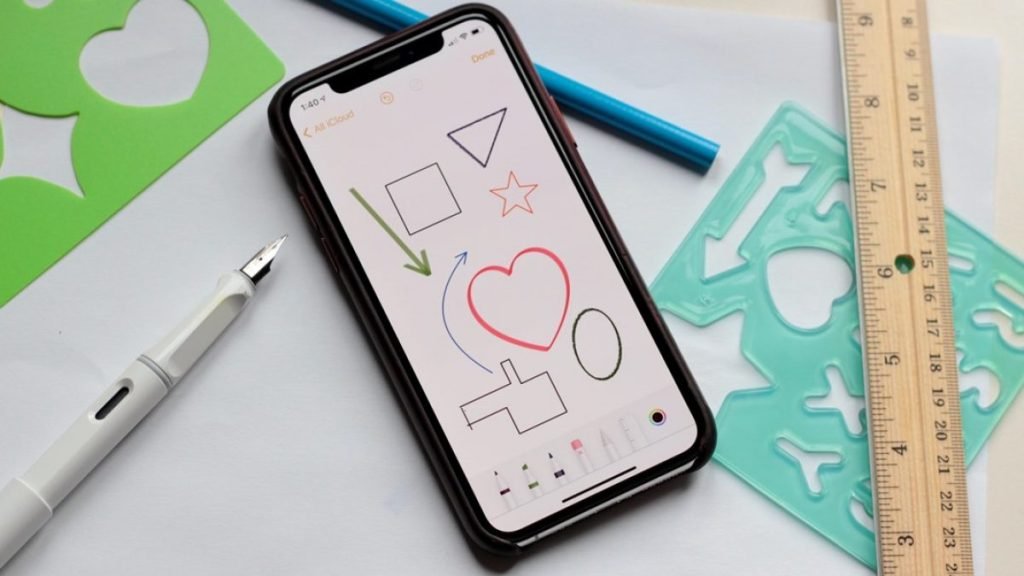
Create beautiful notes and professional documents by hand, sketch ideas on a limitless canvas and annotate PDFs. Powered by the world’s best AI handwriting recognition.
What's new Dehard 2
Enhanced PDF annotations
As in Notes, you can now convert handwriting and hand-drawn shapes within PDFs – and use the keyboard to type or dictate annotations.
Manage pages within a PDF
Long press on a page or tap the + button in the toolbar to add a blank page, move the selected page up or down, or delete it.
PDF navigation with table of contents
Tap a link within a PDF table of contents to jump to the associated location.
First use of this was at a meeting, pitching a major initiative. Two minutes after the meeting, Dehard 2 converted the ink to Word and the minutes of the meeting were already in the participants’ inbox. This kept the momentum for progressing the opportunity. It is a brilliant app. Well done.
This app surpassed my expectations. As a student, I use my iPad to take notes in classes and I couldn't find any apps that met my needs until I found Dehard 2. The handwriting recognition rocks and I like the math formula recognition too. Thanks for developing such a brilliant app.
Tried many other note-taking apps, this is unique in many ways. Overall, very productive for me. Definitely try it, the project management is better than any other.
BLOG
Latest articles
No posts found
We use cookies to ensure that we give you the best experience on our website. If you continue to use this site we will assume that you are happy with it.